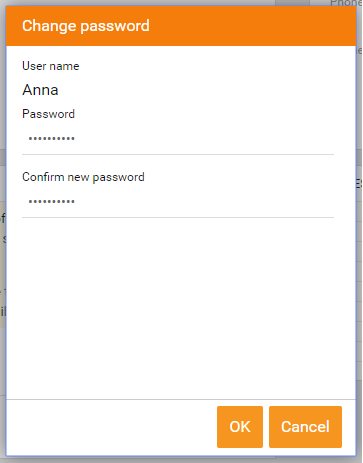
When a user forget their password, an administrator in backoffice needs to help the user to reset the password.
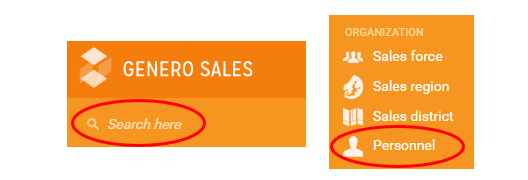
Start by finding the users account in Officer, either by the search at the top of the page or click on Personnel and find the user in the list.
When you have entered the users account, click on the gearwheel icon  in the top of the right corner and then reset the password and click OK: