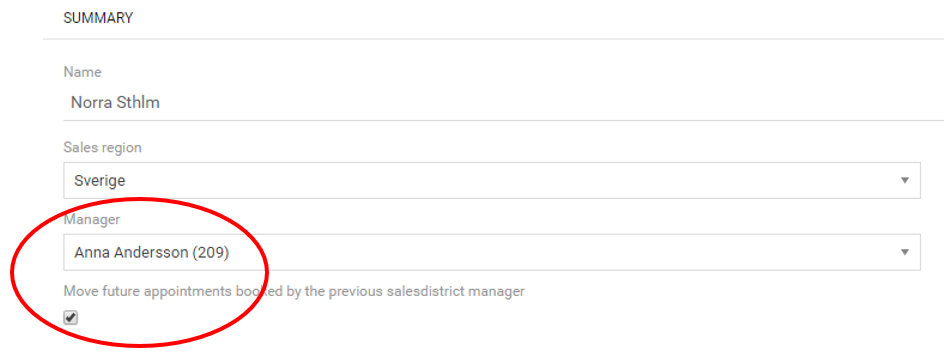
How to make a user manager for a sales district Ellinor Nilsson February 12, 2019 09:15 Updated Open the sales district and go to the tab "Details". Click on the pencil-icon in the upper right corner. Select user in the Manager field and Save.